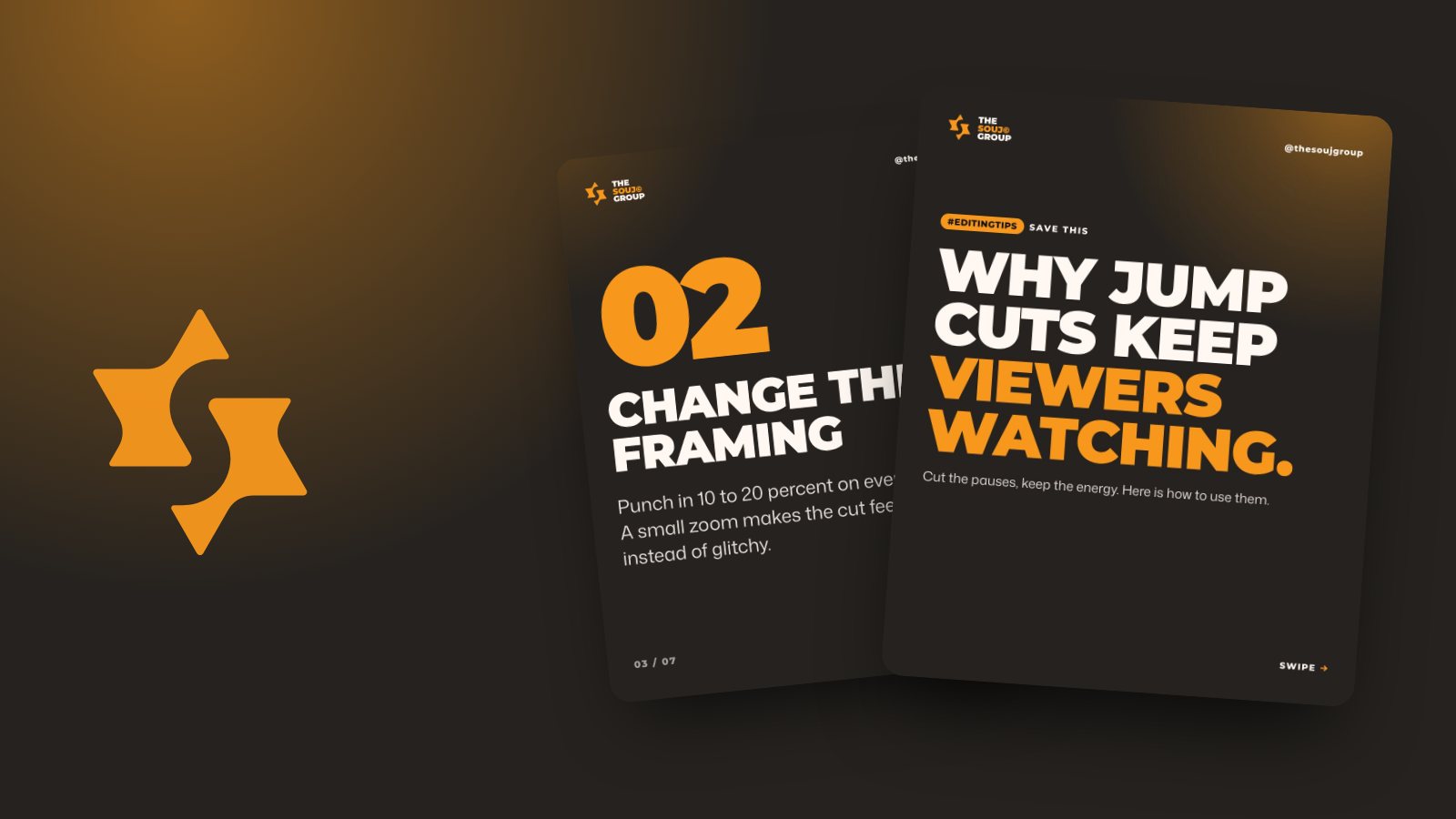
Why Jump Cuts Keep Viewers Watching
Cut the pauses, keep the energy. Five ways to use jump cuts so your videos feel fast without feeling choppy.
A jump cut removes the space between two moments in the same shot. Done well, it makes talking-to-camera videos feel quick and focused. Done badly, it looks like a glitch. Here's how to get it right.
01Cut the Dead Air
Trim the pauses, "ums" and breaths between sentences. Every second without a point is a second someone can scroll away.
02Change the Framing
Punch in 10 to 20 percent on every other cut. A small zoom makes the cut feel intentional instead of accidental, and it adds energy without new footage.
03Cut at the End of a Thought
Cut where a sentence lands, or on a beat in your music. Cutting mid-word feels jarring. Cutting on the rhythm makes the edit feel smooth.
04Leave Some Breathing Room
Don't cut every gap. Let important or emotional lines land with a short pause. Contrast is what makes the fast parts feel fast.
05Cover Cuts With B-Roll
Drop a quick clip, photo or screen recording over a cut. It hides the jump and shows what you are talking about at the same time.
Film a few seconds of B-roll every time you shoot: your hands, your setup, the product. You'll always have something to cover a cut.
The Takeaway
Trim the dead air, punch in, cut on the thought, leave a little room and cover with B-roll. Your next talking video will feel twice as tight.