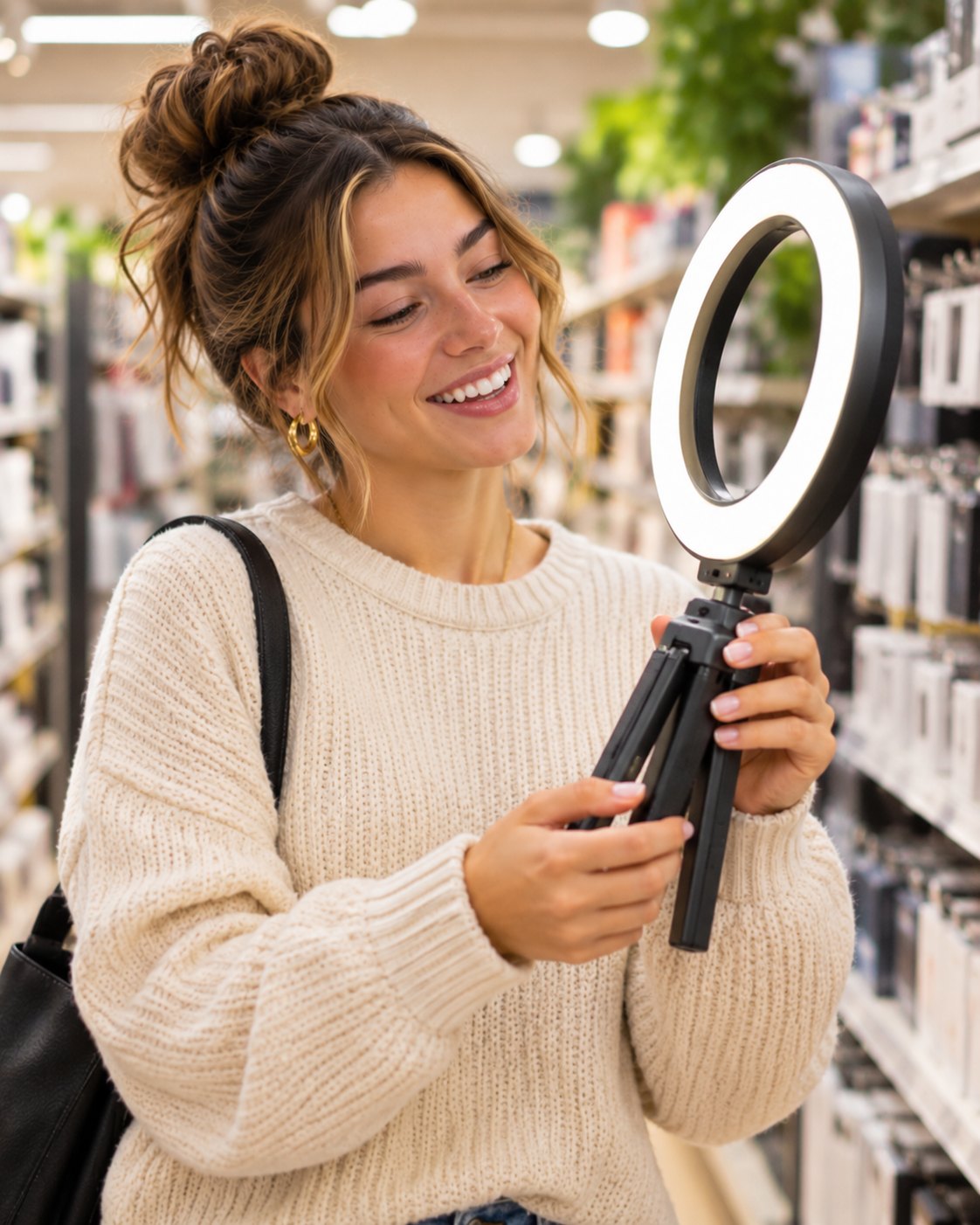
5 Lighting Fixes That Make Phone Videos Look Pro
Your phone camera is already good. Your lighting is usually what is holding it back. Here is how to fix it in five minutes.
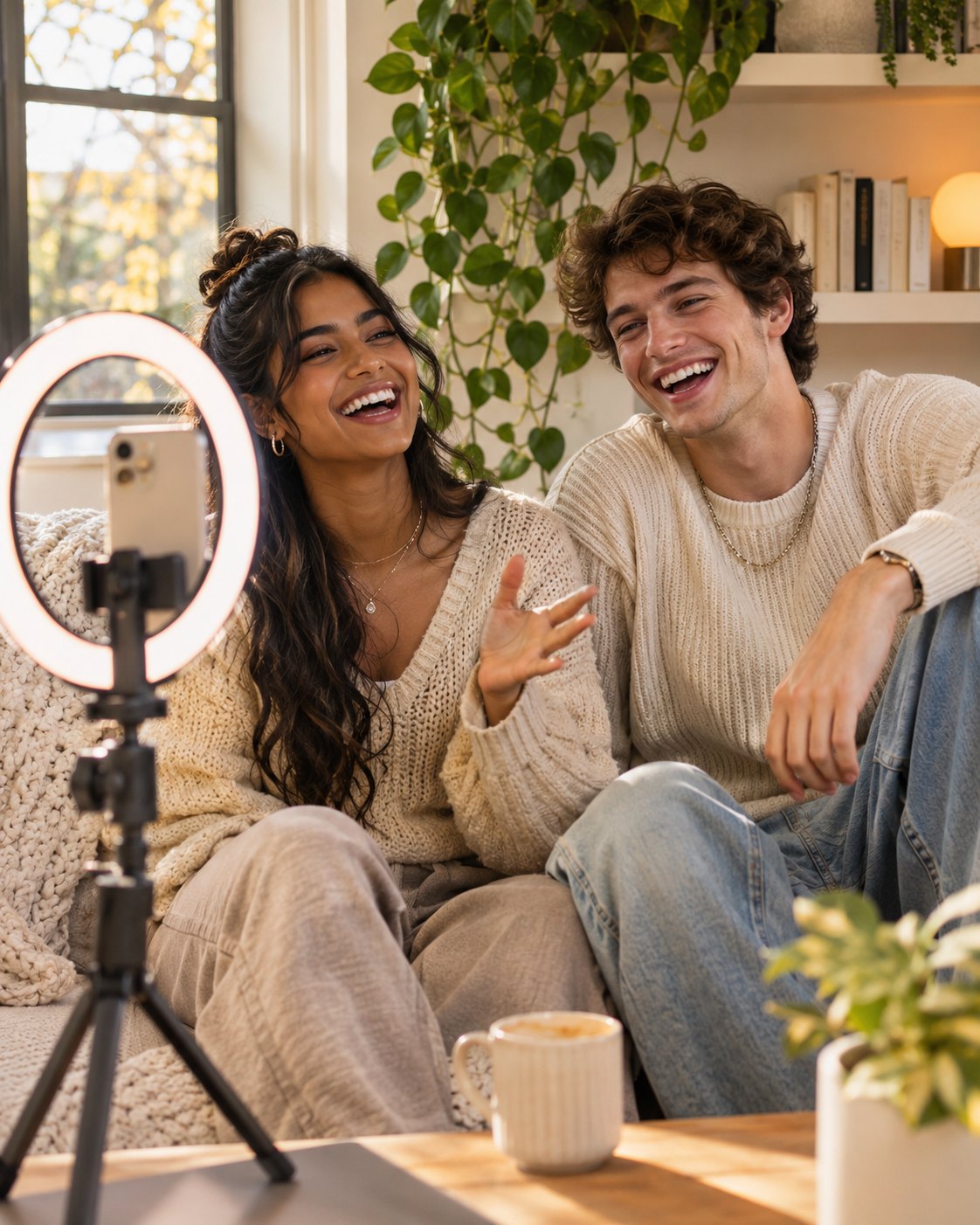
Ask any editor what separates "shot on a phone" from "shot by a pro" and most will say the same thing: light. Better light means sharper detail, cleaner color and less of that grainy look in dim rooms. The good news is that you don't need a studio. You need a few habits.
01Face the Light, Not Your Back to It
The fastest upgrade costs nothing. Turn so the window is in front of you, slightly to one side, instead of behind you. Light from behind turns you into a silhouette. Light from the front, at a slight angle, gives your face shape.
02Add One Soft Light at Eye Level
A ring light or LED panel set just above eye level fills in shadows under your eyes and chin. Keep it soft: lower the brightness and move it a little further away instead of blasting it up close.
If your light has color settings, match it to the room. Warm light with a cool window looks off on camera. Pick one and stick with it.
03Kill the Overhead Light
Ceiling lights throw shadows straight down your face. Switch them off when you film and let your window and your key light do the work.
04Use a Little Background Light
A string of lights, a lamp or a small LED behind you separates you from the wall and makes the frame feel deeper. It is the difference between "bedroom" and "set."
05Lock Exposure Before You Hit Record
Tap and hold on your face to lock focus and exposure, then drag the brightness slider down a touch. Your phone will stop "breathing" brighter and darker as you move, and highlights won't blow out.
The Takeaway
Face the light, add one soft source, turn off the overheads, light the background and lock exposure. Do those five things and your next video will look like you upgraded your phone. You didn't. You upgraded your light.